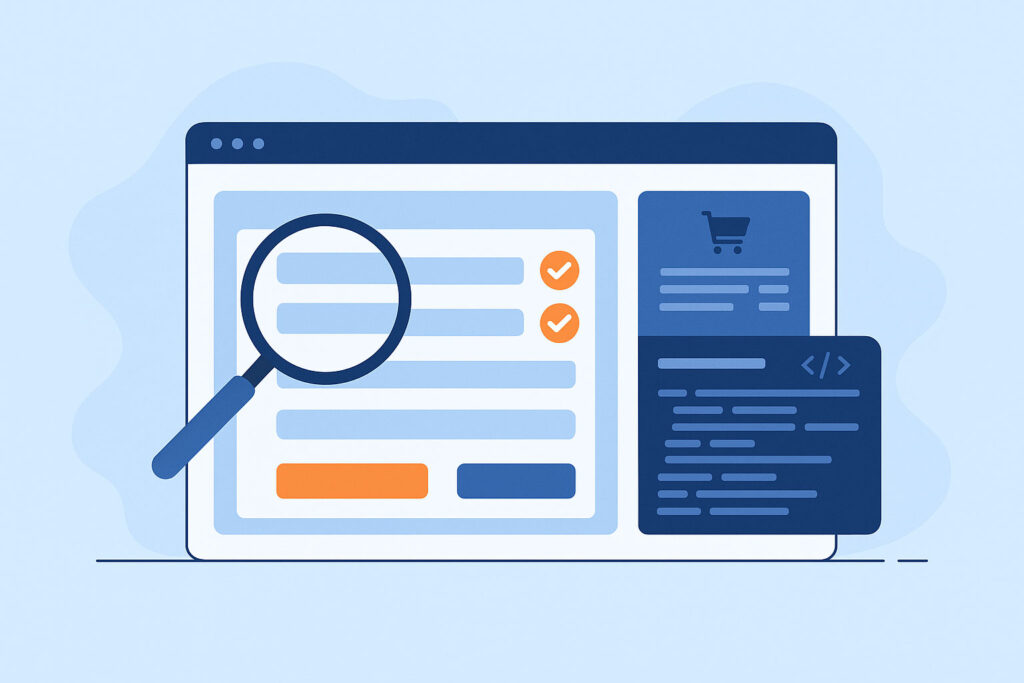
Detect Broken Checkouts Fast
Run daily, weekly, or monthly checkout tests, no manual testing required.
Real Orders, Not Just Clicks
CheckView confirms successful order creation inside WooCommerce’s database.
Fix Issues Before They Hurt You
Get instant alerts when payments, carts, or confirmations fail.
Why WooCommerce Checkouts Break
(and Why It’s a Problem):

Checkout issues cost real money
A single broken field, script conflict, or payment gateway error can tank conversion rates overnight. Many store owners only find out when customers complain, or worse, when daily revenue quietly drops.


Plugin updates change everything
WooCommerce evolves constantly, and so do your payment, tax, and shipping plugins. Even a small update can alter nonces, hooks, or field markup that silently breaks checkout behind the scenes.
Traditional tools can’t keep up
Most testing platforms only simulate clicks. They can’t see WooCommerce’s hooks, cart sessions, or backend order creation.
CheckView was built for WooCommerce specifically, it knows when an order really succeeds.
How CheckView’s WooCommerce Testing Works
Auto-detects WooCommerce and your products
When you connect your site, CheckView automatically detects WooCommerce and scans your latest products.
You can test with real products or use the hidden CheckView Automated Testing Product, a private, invisible item created specifically for safe, clean test transactions.
Runs true front-to-back checkout flows
Add to Cart – Confirms cart and session persistence
Checkout and Order Confirmation – Completes checkout using sandbox data and test payment methods
Uses WooCommerce payment flows safely
CheckView Test Payment Gateway – A hidden method accessible only to CheckView bots that completes mock transactions securely.
Stripe Test Mode Support – Automatically toggles Stripe test mode for CheckView sessions to simulate a full purchase.
WordPress-Native Form Testing That Understands Your Site
CheckView integrates directly with popular WordPress form builders, automatically identifying your form fields and submission endpoints. Instead of guessing where your forms submit, CheckView talks directly to your WordPress backend. Each test can confirm that your form submission was received, logged, or emailed correctly.








Backend validation instead of frontend guessing.
Generic bots stop when they see a “Thank you” message. CheckView goes deeper, it verifies that your form’s data was actually stored or emailed from your WordPress environment, giving you real functional assurance.
Because CheckView communicates securely through your WordPress website, it can automatically bypass common obstacles that stop bots.
That means accurate, uninterrupted testing.
Built for Real-World WordPress Environments
Reliable across builders, themes, and hosting platforms


Candice
Marketer

Sam
Agency Owner

Steven
Developer
Works with all major WordPress builders
CheckView adapts to modern builders built on Gutenberg. It understands how each renders form markup and handles responsiveness, ensuring your tests remain stable even after redesigns.
Native awareness of WordPress form behaviors
From wp_mail() to plugin-specific entry tables, CheckView verifies every step of the submission process. That understanding makes it far more reliable than generic browser automation tools.
Automatic test data
cleanup
Every test submission created by CheckView is automatically deleted after verification.This way you and your clients won’t receive fake leads, test users, or dummy emails.
End-to-End Confidence for WooCommerce Stores
From product page to payment confirmation, verified
CheckView completes real WooCommerce transactions, verifies data inside your WordPress backend, and captures screenshots and logs to prove success. It’s verifiable evidence your store is functioning correctly.
Each test produces a clear audit trail:

Video playback of the test run

Screenshots at key steps

Backend confirmation data
HAR browser recording files
Network logs
Secure API communication
CheckView uses authenticated, tokenized calls for all form testing, ensuring that your tests run securely without exposing sensitive data or requiring manual configuration.
Key Advantages of CheckView WooCommerce Testing
Get peace of mind no matter your role
Store Owners Love CheckView
For store owners
Get peace of mind knowing your checkout, payments, and order confirmations work, every time, even after updates or migrations.
For developers
Quickly validate complex WooCommerce flows like shipping logic, taxes, product add-ons, and dynamic discounts.
For site owners
Deliver reliability at scale. Automatically monitor checkout across all client stores and share transparent reports proving every checkout works as intended.
Test WooCommerce the Right Way
Stop guessing whether checkout works, prove it. CheckView gives you real, continuous assurance that every step of your order flow actually works.

Stay up to date
[ninja_form id=2]