
Testing Forms with File Uploads
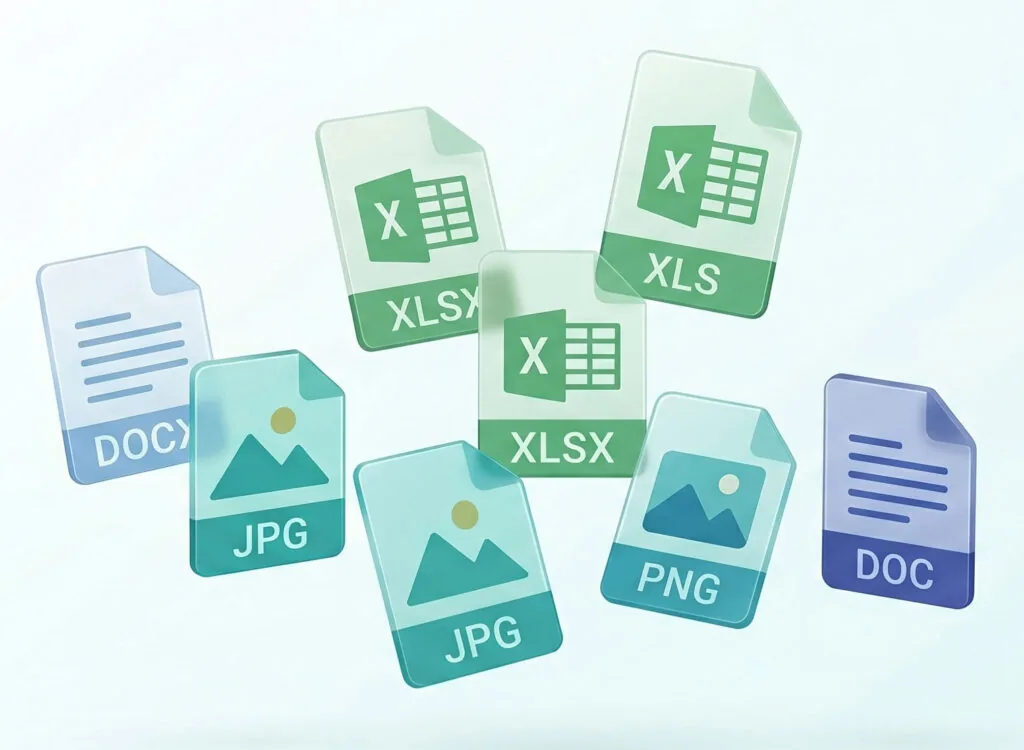
CheckView automatically tests forms that include file upload fields. When a test runs, CheckView detects the upload field, selects a sample file that matches the file types the field accepts, uploads it, and waits for the upload to finish before submitting the form.
How it works
- CheckView reads the file types a field accepts and picks a matching sample (for example, a PDF for a field that accepts documents, or a PNG for a field that accepts images).
- It uploads the sample and waits for the upload to complete before continuing, so the form is never submitted while a file is still uploading.
- No setup is required. File upload steps are detected and added automatically when your test flow is built.
Supported file types
CheckView includes sample files for the most common upload types: JPG, PNG, PDF, TXT, DOC, DOCX, XLS, and XLSX. It chooses the sample that best matches what the field accepts.
Supported form plugins
File upload testing works across the major form plugins, including Contact Form 7, Gravity Forms, Fluent Forms, Ninja Forms, WPForms, WS Form, Formidable, Forminator, and Elementor Pro Forms (classic). For Gravity Forms and Elementor, CheckView reads each upload field’s accepted file types and uploads a matching sample.
Make sure the CheckView helper plugin is up to date (version 2.1.0 or newer) so file uploads are validated correctly.
Multi-file uploads
Single file upload fields are fully supported. Gravity Forms multi-file upload fields are handled in most cases. Occasionally a multi-file field may be skipped automatically, rather than failing the test, if its field identifier is not stable.