WP Legends Live Panel on March 11th: The Line Between Good and Great Agencies

UX/CRO Audit Reports give you AI-powered analysis of your website’s user experience and conversion optimization opportunities. CheckView captures screenshots from your test flows and uses Google Gemini to identify usability issues, accessibility problems, and areas for improvement – organized into actionable finding cards with severity ratings and specific recommendations.
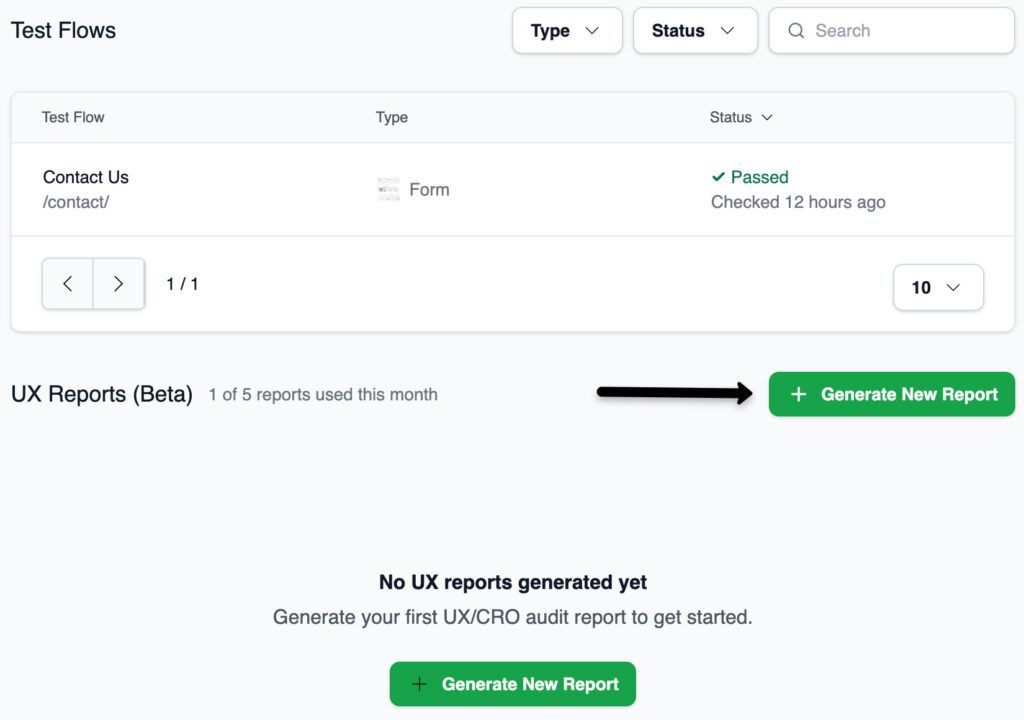
Each test flow you select must have at least one successful test with screenshots. Since all tests now record full video and screenshots, this prerequisite is automatically met for any test flow that has passed at least once.
After generating an audit, it progresses through these statuses:
The page auto-refreshes every 5 seconds while the audit is pending or processing.
UX audits are limited per plan on a monthly basis. Your current usage is displayed in the UX Reports section. If you reach your monthly limit, you’ll see a message prompting you to upgrade your plan for additional audits.
All generated audits are listed in the UX Reports section with their name, creation date, and status. Click any audit to view its full report. Audits are automatically cleaned up based on your plan’s data retention period – there is no manual delete option.
For a detailed guide on reading and interpreting audit reports, see Understanding the UX Audit Report.