
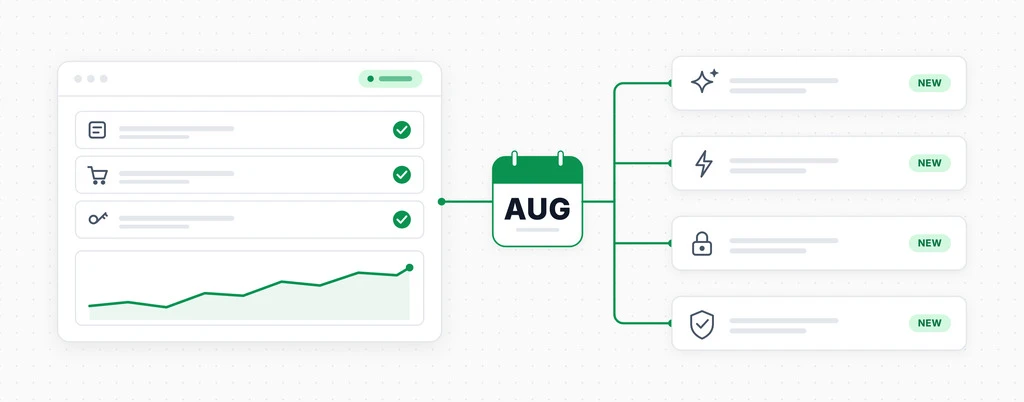
August 2026 Platform Updates
In May, we promised AI-built test flows. They’re now live in beta.
We’ve also added full support for automated testing of Elementor Pro’s classic forms, expanded webhook data, improved login testing, and spent the summer eliminating false failures. Here’s what’s new in CheckView.
Elementor Pro Form Testing Is Live
We partnered directly with the Elementor team to bring automated testing to Elementor Pro forms.
CheckView detects Elementor Pro forms and can automatically test nearly every classic form configuration, including forms that use Elementor’s native CAPTCHA options.
If your site uses classic Elementor Pro forms, you can start monitoring them today. This release supports Elementor’s classic forms only. For the full picture of what a scheduled Elementor test verifies and how to set one up, see how to automatically test Elementor Pro forms.
Build and Rebuild Custom Tests with AI
The feature we teased in May is here. It is still in beta, but it has come a long way, especially for testing login flows with CheckView’s secure credentials feature and for testing site search.
Describe what you want CheckView to test in plain language, and it will attempt to build the custom test flow for you.
When your website changes, or if the initial test does not work as expected, you can update your instructions and rebuild the flow instead of starting over. AI-assisted building is available now within the custom test flow setup.
Webhooks Now Include Submitted Values
Webhook payloads now contain the actual values CheckView entered during a test.
This makes it much easier to identify the exact entry, lead, or order created by a test inside your CRM, Zapier automations, reporting tools, or other connected systems.
No more guessing which record came from CheckView.
Smarter Login Testing with AI Test Flows
CheckView previously tried to identify login pages by following links labeled “Login.” On some sites, that could lead to an icon, account menu, or unrelated page.
CheckView now confirms that it has reached a real password field before building the test. This makes login testing more reliable across different themes, membership plugins, and account systems.
We also fixed a smaller but frustrating issue: asking CheckView to “assert” that something appears on a page now reliably creates a verification step. Previously, only terms such as “verify” and “confirm” worked consistently.
Reliability and Platform Improvements
- Slow screenshot or video uploads can no longer turn a passing test into a failure.
- CheckView now interacts with the element that is actually visible on the page rather than the first matching element hidden in the site’s code.
- WooCommerce Blocks checkout tests now handle field entry and translated country and state names more reliably.
- Fluent Forms tests now better handle delayed file uploads and payment options with dynamically generated IDs.
- Weekly email reports no longer send duplicates or fail for large accounts.
- CheckView now cryptographically signs requests sent to your website. This is a stronger replacement for IP-based verification and works correctly when your site is behind Cloudflare.
Coming Soon
- An option to send test emails to real recipients, making it easier to let customers know that their forms are being routinely tested and further demonstrate your agency’s value.
- Automated testing support for Forminator forms.
Try the Latest CheckView Updates
Elementor Pro classic form testing, expanded webhook data, smarter login testing, and the latest reliability improvements are available now. AI-assisted custom test building and rebuilding is also available in beta within the custom test flow setup.